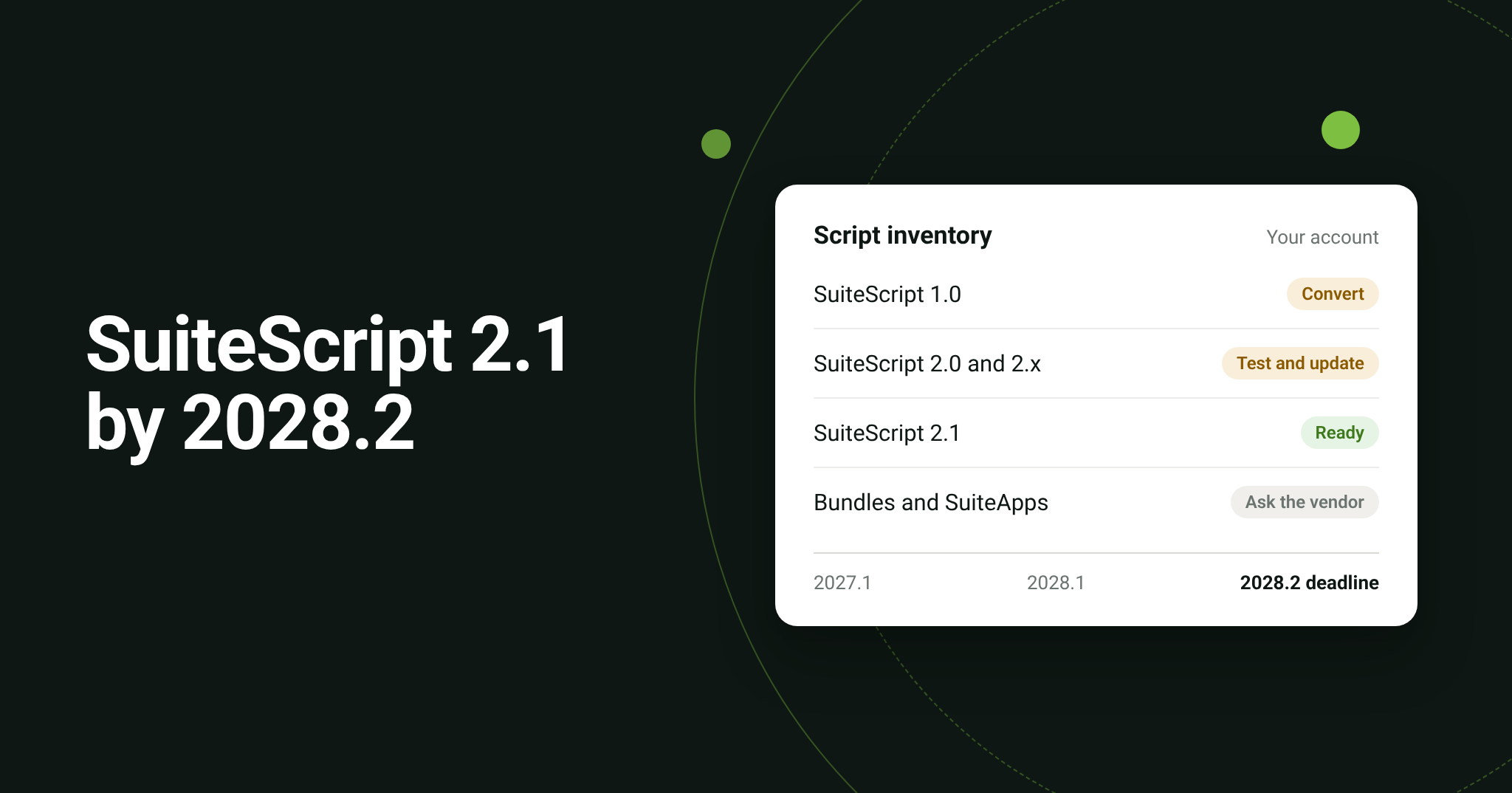
NetSuite’s “Update Scripts to SuiteScript 2.1” banner flags scripts using SuiteScript 1.0, 2.0, or the literal @NApiVersion 2.x annotation. Oracle’s published transition schedule requires all new and existing scripts to use SuiteScript 2.1 in release 2028.2.
Those scripts may support orders, inventory updates, billing, or integrations. The banner itself does not mean they have failed, but the work they perform will need compatible code before the older versions are removed.
Bring IT can help you identify affected scripts, clarify who maintains them, and plan the updates and testing your business needs. Here is where to start.
When do NetSuite scripts need to move to SuiteScript 2.1
Oracle’s schedule includes changes before the final deadline:
| NetSuite release | Published change |
2026.2 | SuiteScript 2.1 becomes the standard for new and existing scripts. |
| 2027.1 | SuiteScript 1.0 enters end-of-life support for critical issues only. |
| 2028.1 | SuiteScript 1.0 cannot be deployed in new accounts; existing accounts can still deploy it. SuiteScript 2.0/2.x scripts run as 2.1 by default. |
| 2028.2 | All new and existing scripts must use SuiteScript 2.1. |
Plan compatibility testing ahead of 2028.1. That earlier runtime change is a reason to start testing before the final deadline.
For product areas that still require an older version, follow Oracle’s documented requirements until the relevant guidance changes.
How to find affected scripts in NetSuite
NetSuite lets you filter the script list by API version, and Oracle’s inventory guidance also covers saved searches and SuiteAnalytics Workbook. Turning that list into a migration plan is the harder part: you need to separate your own customization from scripts installed through bundles and SuiteApps, and decide which scripts come first.
Bring IT’s SuiteScript 2.1 Upgrade Assessment does that work with our own diagnostic tool. We install the Bring IT assessment bundle in one NetSuite environment you authorize, sandbox or production. If your governance rules require it, your NetSuite administrator installs and runs it with our guidance.
The tool generates an assessment report that shows:
- Readiness overview: how many scripts use SuiteScript 1.0, 2.0, and 2.1, and how many remain to migrate.
- Priority: the active, published scripts that need attention first.
- Ownership: your account’s own scripts separated from bundles and SuiteApps, which are reported by origin so you know which vendors to contact.
- File level detail: name, script ID, file path, version, status, type, and priority for each script your account owns.
We validate the output, review the findings with you, and remove the bundle when the assessment is complete, so no component stays in your account.
The report shows what is in the account. Your team still confirms what each priority script does for the business and whether it should be updated or retired. A script with an unfamiliar name may still support a monthly billing run or an occasional exception, so check its purpose before deciding it is unused.
Why NetSuite integrations need a closer look
Integration reviews need to cover the custom code around each flow. For example, Celigo SuiteScript hooks execute inside NetSuite and can look up records or apply additional logic during imports and exports.
Consider a sales order flowing from an ecommerce platform into NetSuite. A custom script might assign its location or add information needed for fulfillment. If that script becomes incompatible, the order process could fail or produce an unexpected result even when other parts of the integration still work.
For that reason, we recommend mapping each business-critical flow to the NetSuite RESTlets, SuiteScript hooks, and other scripts it depends on. Test the full transaction, including the records and values produced at the end.
Also distinguish SuiteScript running inside NetSuite from JavaScript hooks running in integrator.io. This NetSuite notice does not establish that every JavaScript hook needs a SuiteScript conversion.
Who updates Celigo and vendor managed scripts
Celigo’s SuiteApp documentation says Celigo manages NetSuite API-version updates for its Integration App flows through product releases. It also treats hook migration as a separate task, with compatibility requirements between the hook and the flow step.
Celigo’s platform roadmap, updated September 1, 2026, says the SuiteScript 2.1 migration path is still being evaluated, with managed integration changes beginning in 2027.2 and DIY guidance still being determined. Use Oracle’s schedule for the platform deadline and confirm the current product plan with Celigo.
In practice, assign ownership at the component level:
| Component | What to confirm |
| Celigo Integration App components | Confirm the applicable release plan and required customer actions with Celigo. |
Another vendor’s SuiteApp or bundle | Ask the publisher which components it will update and when testing can begin. |
| Custom RESTlets and SuiteScript hooks | Assign the internal team or partner responsible for reviewing, updating, and testing the code. |
A managed app update should not be treated as confirmation that every customization connected to it is ready.
Is migration just a change to the version number
SuiteScript 1.0 requires a code conversion. Oracle’s conversion guidance describes moving from global functions to modules and methods, reviewing entry points, and checking dependencies. Some functions need a different implementation.
SuiteScript 2.0 and 2.x need compatibility testing. Moving to 2.1 includes updating the version annotation, but the runtime changes too. Oracle documents behavior differences involving areas such as JSON handling, dates, and RESTlet responses.
Use a sandbox to validate the script and the process it supports. Oracle’s migration checklist calls for testing entry points, data and error handling, and deployment references, then comparing the result with the original customization. A successful upload alone does not establish that the business process works.
How Bring IT can help with SuiteScript 2.1 migration
Bring IT supports NetSuite integrations and NetSuite–Celigo integration management, including flow assessments, dependency documentation, and prioritized remediation plans. We can help connect the migration work to the processes your team needs to keep running.
Once the report is ready, the assessment also helps you:
- Build an effort model, by script type, for the scripts your account owns.
- Plan the follow up with the vendors behind your bundles and SuiteApps.
- Set the order of work, starting with active, published scripts.
- Receive a formal proposal for conversion, developer unit testing, deployment support, functional validation, and UAT planning.
From there, we can scope and carry out the agreed custom-script updates, test affected integrations, and support deployment. You get a clear view of what needs attention, who is responsible, and what it will take to complete the work.
Frequently Asked Questions
Does a 2.x annotation already satisfy the requirement
No. Oracle explicitly includes the @NApiVersion 2.x annotation in its 2.1 transition guidance. Review compatibility and update the annotation to 2.1 as part of the migration.
Can we retire scripts instead of migrating them
Yes, when the review confirms they are obsolete or duplicated and no required process depends on them. Check deployments and dependencies, agree on removal with the business owner, and validate the result before removing them from production.
How long does SuiteScript migration take
The scope depends on the code, its dependencies, vendor involvement, and the business scenarios that need testing. A small standalone customization may need a different effort from a script used across several integrations. An inventory and technical review provide the basis for a realistic estimate.
Get help with your NetSuite SuiteScript migration
If the banner has left you wondering what is running in your account, start with an assessment. Bring IT can help you find the affected scripts and turn that list into a migration plan.