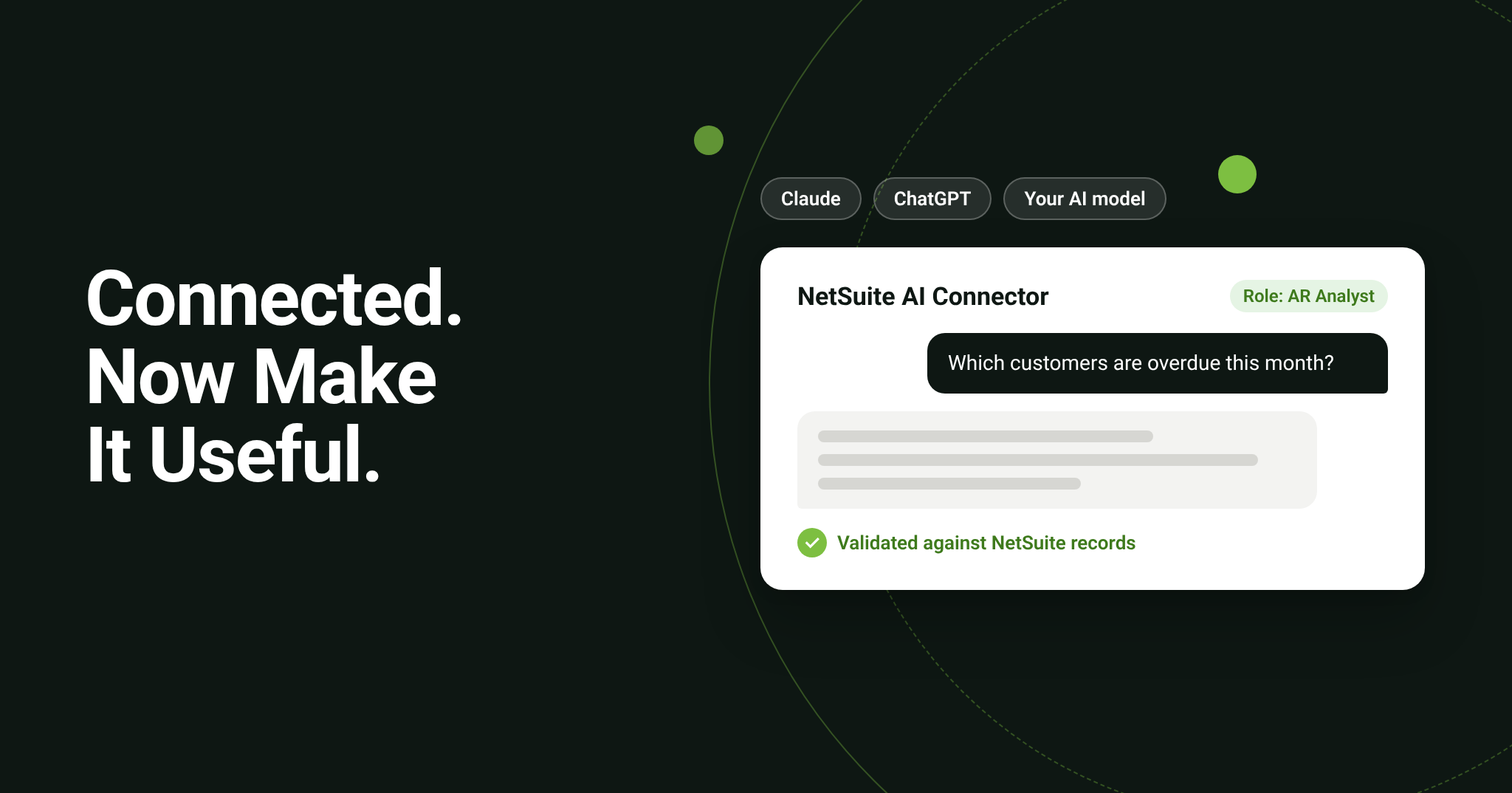
Quick answer: The NetSuite AI Connector Service lets Claude, ChatGPT, and other supported AI tools work with your NetSuite data, limited to what each user’s NetSuite role allows. Connecting takes little time. The value comes from deciding which roles get access, which business questions the AI should answer, and checking that its answers match NetSuite.
Key takeaways
- The NetSuite AI Connector Service connects AI tools such as Claude and ChatGPT to NetSuite through the Model Context Protocol (MCP).
- The AI only sees what the user’s NetSuite role allows, and Oracle notes the tools cannot connect with the Administrator role.
- The connector does not use NetSuite AI Units; the AI cost sits with your AI provider.
- The real work after setup is role design, validated use cases, and a runbook IT can operate.
Most guides stop at the connection screen. This one starts there.
What is the NetSuite AI Connector Service?
The NetSuite AI Connector Service uses the Model Context Protocol (MCP), an open standard that lets an AI tool call a defined set of NetSuite tools. Oracle describes it as a “bring your own AI” model, so you are not tied to one AI vendor. It has three parts:
- The NetSuite MCP Standard Tools SuiteApp, a standard set of tools the AI can call in natural language, governed by NetSuite’s role based security.
- The NetSuite AI Connector Service Companion, with more than 100 prompt templates and preconfigured MCP-Ready Roles for the CFO, Controller, AR/AP Analyst, and Treasury.
- Skills, reusable NetSuite instructions and context that help a general AI model work like a NetSuite specialist.
The connector does not use NetSuite AI Units. Oracle’s AI Units page explains that the requests run outside NetSuite with your AI provider, so that cost sits with your Claude or ChatGPT subscription.
Should you use Ask Oracle or the AI Connector?
Many teams will use both. The difference is where people work and who pays for the AI.
| Ask Oracle | AI Connector Service | |
| Where it runs | Inside NetSuite | In Claude, ChatGPT, or another supported AI tool |
| AI model | Provided by Oracle | Your choice |
| Cost | Uses NetSuite AI Units | Billed by your AI provider, no AI Units |
| What it can see | The user’s NetSuite role and permissions | The user’s NetSuite role and permissions |
| Best fit | Everyday users working in NetSuite | Analysts who combine NetSuite data with other work |
Our post on NetSuite AI Units covers the consumption side in detail.
What do the setup guides skip?
Getting the connector to respond is the easy part. These decisions determine whether it is safe and whether anyone keeps using it:
- Roles. The AI sees what the user’s role sees. Oracle’s developer walkthrough notes that the tools cannot connect using the Administrator role, so you need a dedicated role design, not a shortcut.
- A role access map. Document which roles can use which tools, and who approved it.
- Use cases. Pick the questions that matter to your finance or operations team, build the prompts, and check every answer against NetSuite records before people rely on it.
- A runbook. IT needs to know how the setup was built so they can operate it after the project ends.
- Scope. Start with questions that read and retrieve data. AI that takes actions in NetSuite, such as approvals or order creation, carries different risk and deserves its own plan.
How does Bring IT help you put the AI Connector to work?
The NetSuite AI Enablement & Accelerator takes you from license to working use cases in three parts, typically over four to six weeks:
- Foundation. One 120 minute live session with your IT team: we enable the connector in sandbox, deploy the Standard Tools SuiteApp, connect your chosen AI model, configure role access, test, and promote to production. Your team watches the configuration as it happens, and you receive a configuration and operations runbook plus the role access map.
- Enablement. Workshops on MCP and the standard tools, and on the Companion’s prompt templates, MCP-Ready Roles, and skills. Premium adds a model neutral workshop on AI platform best practices.
- Deployment. You send us your candidate use cases five business days before a discovery session. We build the prompts, validate the returned data against NetSuite records, and document each use case for your users.
| Standard | Premium | |
| Use cases built and validated | 3 | 5 |
| Use case development effort | 15 hours | 25 hours |
| AI platform best practices workshop | Add on | Included |
If one use case needs more effort than the package allows, we flag it before the cap is reached and you choose: simplify it, swap it for another, or approve the extra time. Nothing is billed without your approval. We work with the AI model you choose; we do not resell AI licenses.
Frequently Asked Questions
Does the AI Connector use NetSuite AI Units?
No. Oracle states that the AI Connector does not consume AI Units because the AI requests run outside NetSuite with your provider.
Can the AI see data a user cannot?
No. Oracle says the Standard Tools follow NetSuite’s role based security, so users and the AI only access what is set for the role.
Which AI tools work with NetSuite?
Oracle names Claude and ChatGPT and supports other assistants through the same open protocol. Your AI subscription is a direct relationship with that provider.
Talk to Bring IT about NetSuite AI enablement →