Quick answer: Preparing for NetSuite Next means deciding which roles move first, testing the processes those roles run, and setting up Ask Oracle access before anyone switches. Your data stays where it is, but the way people work changes, and so does what an AI assistant can do on their behalf.
Key takeaways
- NetSuite Next is a new experience on the same account, not a migration. Oracle says switching modes does not change data, transactions, or configuration.
- NetSuite Next access and Ask Oracle access are separate role settings. Ask Oracle is off by default, and only the Administrator role can grant it.
- Start with two pilot roles, test real questions, and expand in waves.
- Bring IT’s Readiness Accelerator covers up to 10 priority roles and five business functions in six sessions over about four weeks.
NetSuite Next is not a migration. It is a new experience on the same account, and that is exactly why it is easy to underestimate. The work is in roles, controls, testing, and training.
What changes when NetSuite Next arrives?
Oracle is releasing NetSuite Next in phases by country. According to Oracle’s rollout announcement, once your account is updated to 2026.2 your administrator sees a banner to request a preview account or activate NetSuite Next, and your administrators manage access.
Four facts shape the readiness work:
- Access is set per role. Each role can be NetSuite Next only, optional, or blocked, and some center types are not eligible.
- Ask Oracle access is a separate switch. It is off by default, granted role by role, and only the Administrator role can change it.
- Ask Oracle answers as the user. It works inside the signed in user’s role and permissions, and it pauses for approval before any action that changes data.
- Switching does not change your data. Oracle’s help on switching modes says moving between the current experience and NetSuite Next does not change data, transactions, or configuration.
The last point is reassuring, but it does not mean every form, script, and workflow will behave the same way for every role in the new experience. That is what testing is for.
What should you prepare before switching users?
| Area | What to confirm |
| Scope | Which subsidiaries, roles, and users move first, and dates that avoid close, payroll, and peak periods |
| Roles | NetSuite Next mode and Ask Oracle access for each role and wave, with segregation of duties checked again |
| Customizations | Forms, scripts, workflows, and SuiteApps used by the first roles, plus any SuiteScript 2.1 warning in the account |
| Integrations | Critical flows tested end to end, with the vendors behind them confirmed |
| Ask Oracle | Pilot questions, source checks, rules for uploaded documents, and who approves protected actions |
| AI usage | A baseline of AI Units before enablement and an owner who reviews consumption |
| Recovery | How to reverse access for a role if something goes wrong |
Two habits prevent most early problems. Pilot with real business roles, never as Administrator, because Administrator prompts return Administrator wide answers nobody else can reproduce. And treat Ask Oracle access as a permission rather than a feature toggle: each grant widens what a role can do in a single conversation.
If your account shows the “Update Scripts to SuiteScript 2.1” banner, handle it in the same workstream. Our SuiteScript 2.1 migration guide explains what it means. To plan AI consumption by role, see NetSuite AI Units explained.
How should you roll out NetSuite Next?
Roll out in waves, not all at once. Start with two roles, one transactional such as accounts payable and one analytical such as the controller. Run 15 to 20 real questions per role, record whether each was answered, answered with an interpretation note, or declined, and check AI Units on the billing page. Expand to the next roles only when the first ones meet their acceptance criteria.
Plan support for the first weeks after each wave, too. Our post on hypercare for NetSuite Next covers how to run it.
How does Bring IT help you prepare for NetSuite Next?
The NetSuite Next & Ask Oracle Readiness Accelerator is a fixed scope service for existing NetSuite customers who want a controlled first wave. It covers up to 10 priority roles and up to five business functions, delivered in six sessions over about four weeks:
| Session | Length |
| Administrator Readiness Workshop | 60 min |
| Configuration and Role Validation | 60 min |
| NetSuite Next Navigation and UX | 60 min |
| Ask Oracle Fundamentals | 90 min |
| Role Based Use Cases and Adoption | 120 min |
| Rollout Readiness and Handoff | 30 min |
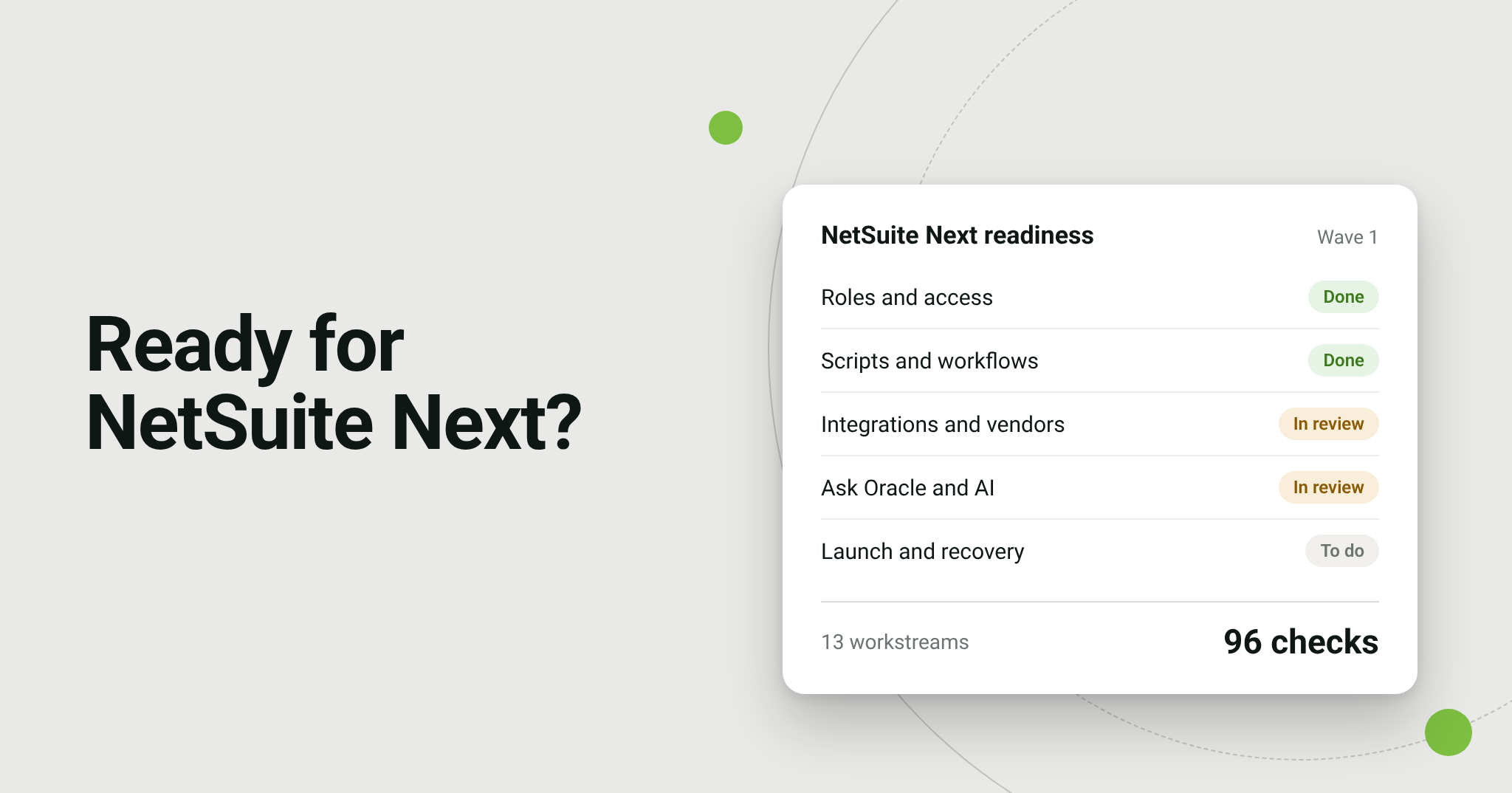
We complete our NetSuite Next Customer Readiness Checklist with you: 96 items across 13 workstreams, from roles and integrations to launch and recovery, with starter test cases and sign offs at five gates. You also receive a role access and rollout map, our three Ask Oracle guides (administration and governance, a practitioner handbook, and a core skills catalogue), AI Units monitoring guidance, a prompt and skills starter library for your roles, session recordings, and a risk and decision register.
Your NetSuite administrator keeps control of production enablement; we prepare, validate, and guide. Customization remediation is not included, and hypercare is available separately.
Frequently Asked Questions
Can we try NetSuite Next before switching production?
Yes. Oracle offers eligible accounts a preview account, and Oracle’s announcement describes the banner administrators use to request one. Preview accounts are time limited, so plan the pilot inside that window.
Will NetSuite Next break our customizations?
Oracle says switching modes does not change data, transactions, or configuration. Test the forms, scripts, workflows, and integrations your first roles use anyway, because the experience around them is new.
Who turns NetSuite Next on?
Your NetSuite administrator. NetSuite Next access and Ask Oracle access are both set per role, and we recommend recording who approved each one.
Talk to Bring IT about NetSuite Next readiness →